After Registration you will need to verify your email before using the AI generator. You are limited to 20 credits on a trial basis. Please reach out to add credits and give feedback. hello@rusteberg.us
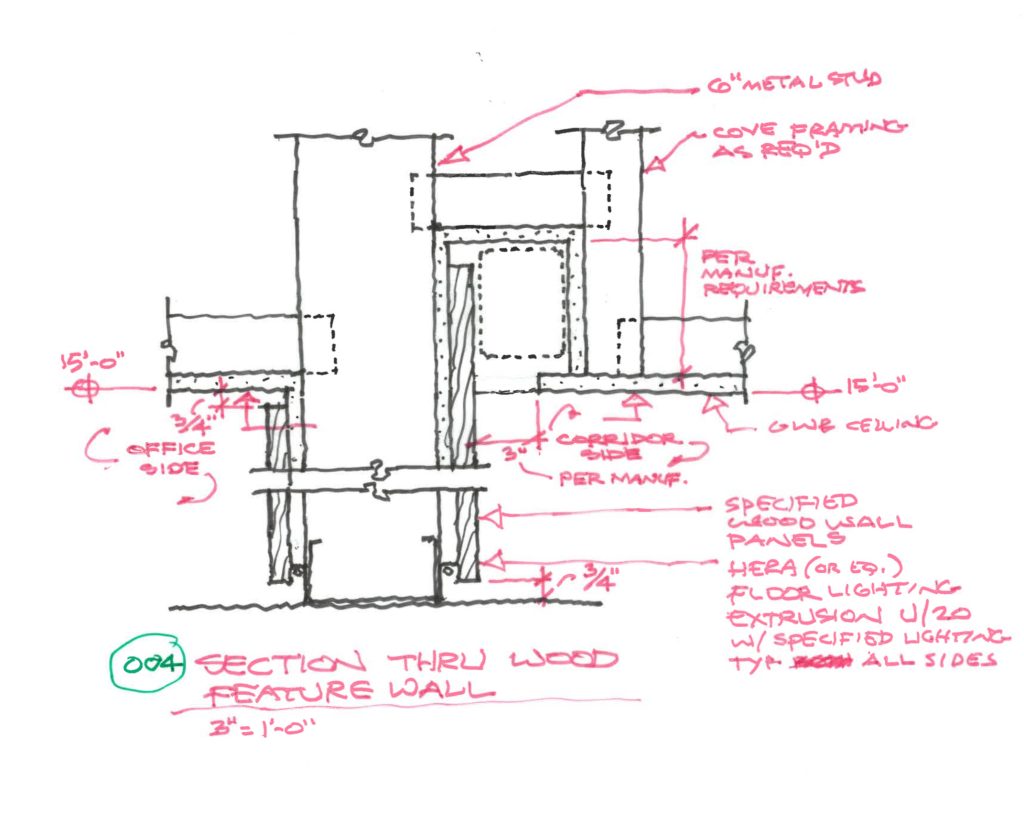
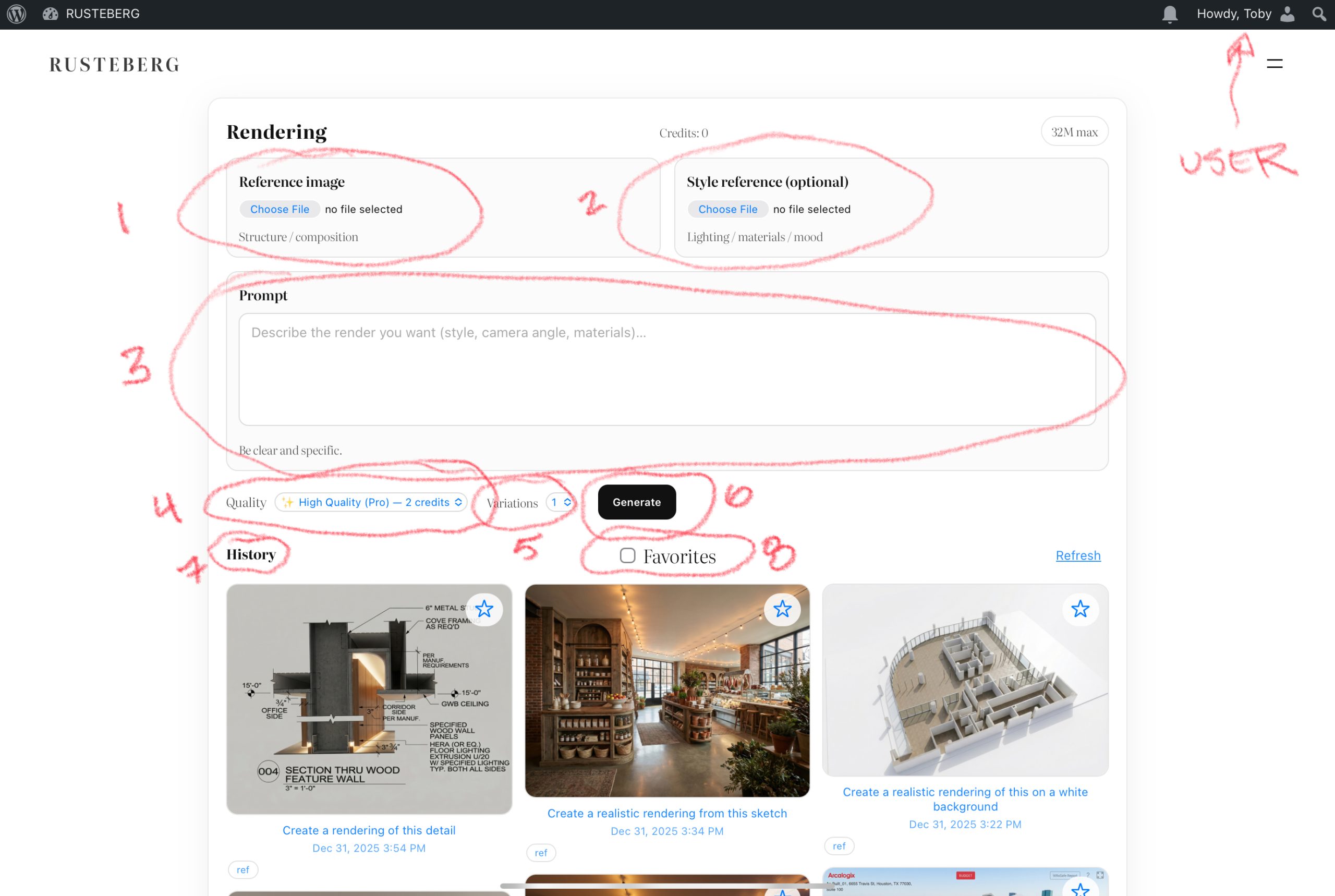
- Reference Image – The generator will not work without one. This can be a sketch, a screenshot, existing image of some form you want to translate.
- Style reference – Optional 2nd Image for styling the input image
- Prompt – This is where you describe what you want generated. See below for some simple examples
- Quality – Choose between high quality (longer generations) and low quality (faster generations).
- Variations – Generate between 1 – 4 images at a time
- The Magic Button
- History panel of all user generations
- Favorite Filter – user can “favorite” generations for filtering capability
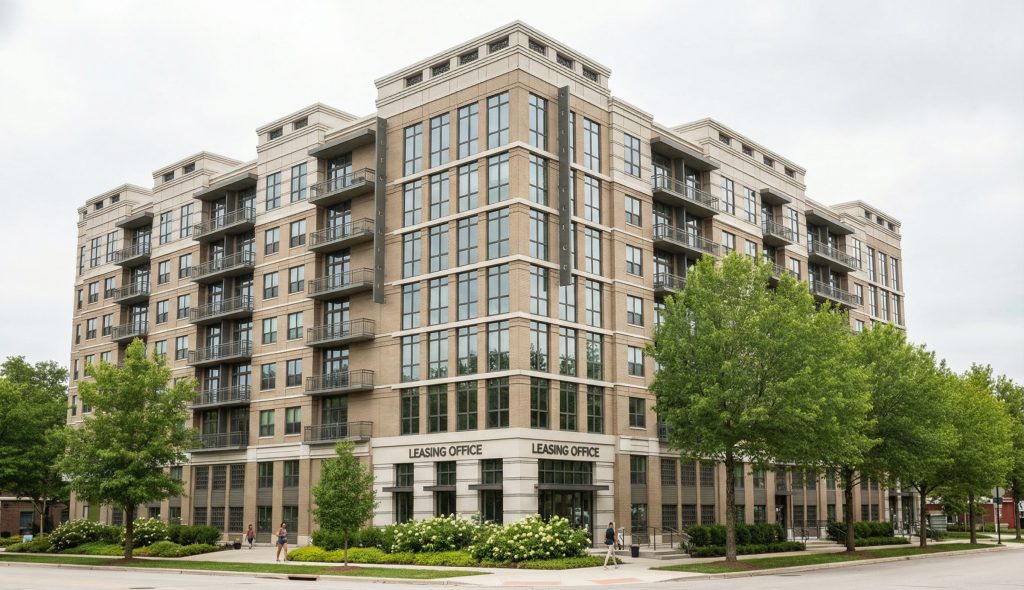
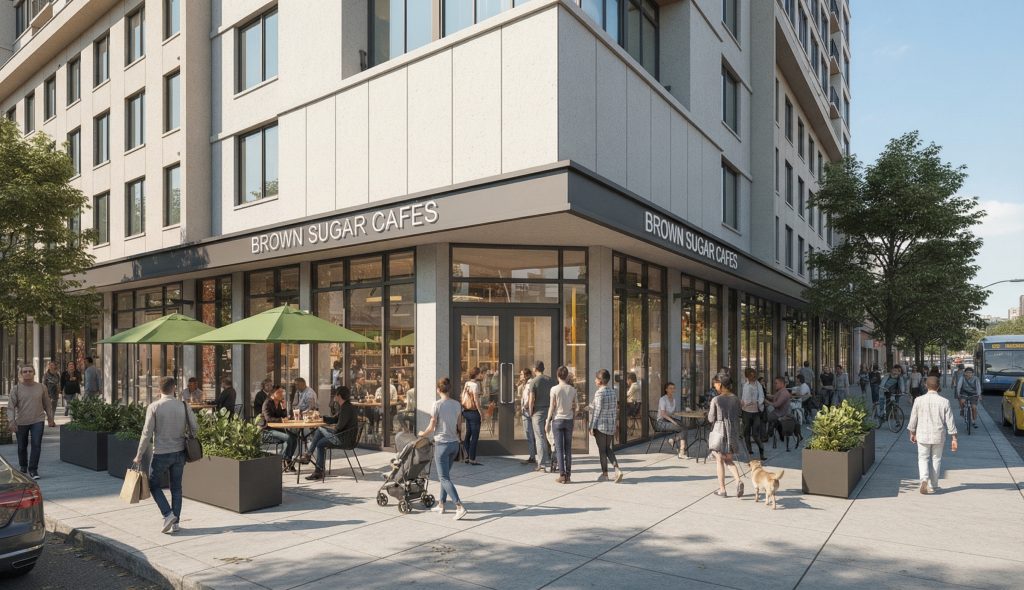
Once logged in, you will need to provide a reference image. Our model is tailored to Architecture & Design which requires precision control over random variations through prompt. Below are some examples of what you can do with our Generative API:
“Make this realistic”
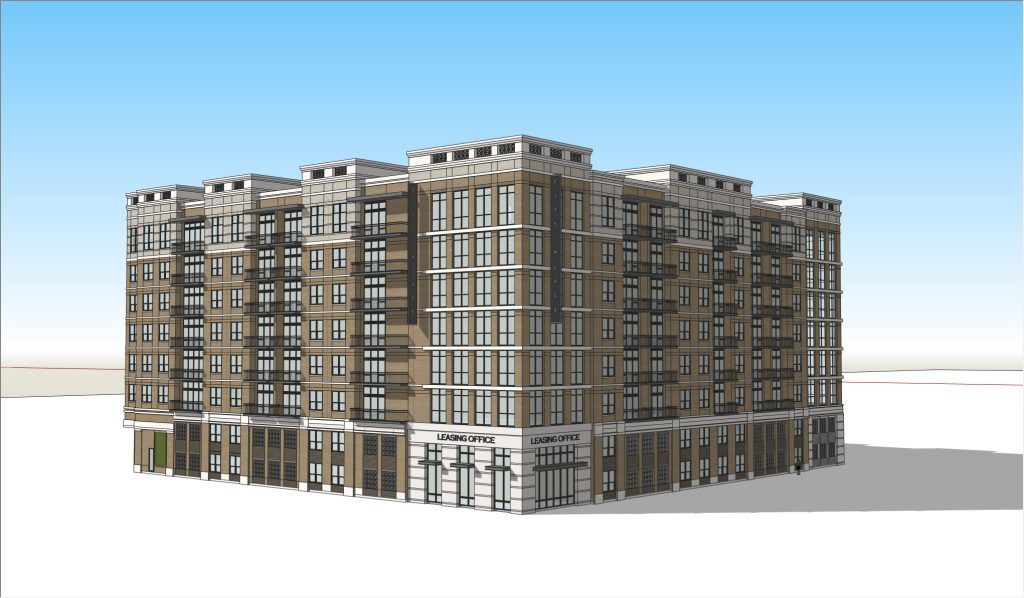
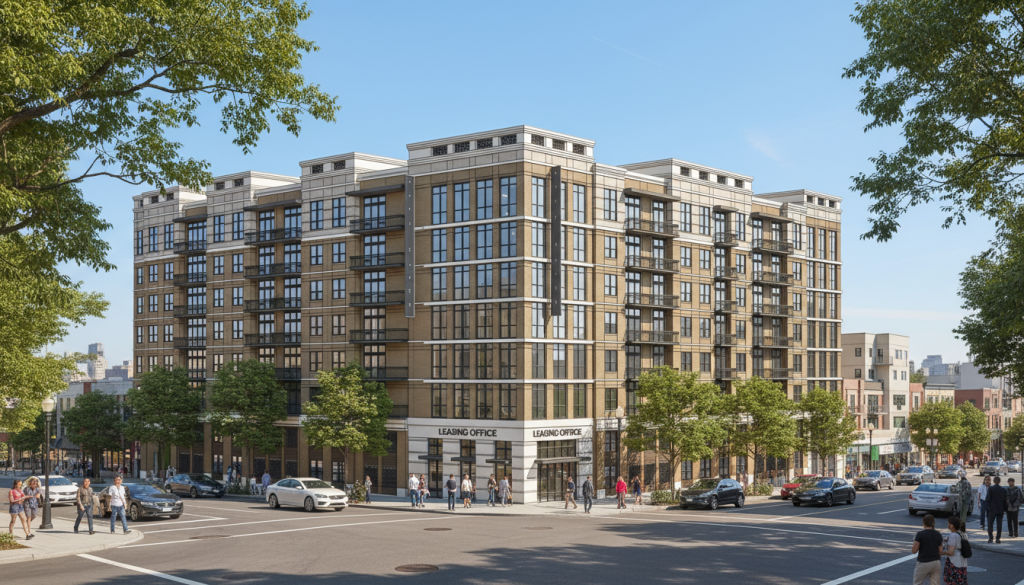
With optional Style Reference:
“Remove all the people from the rendering”
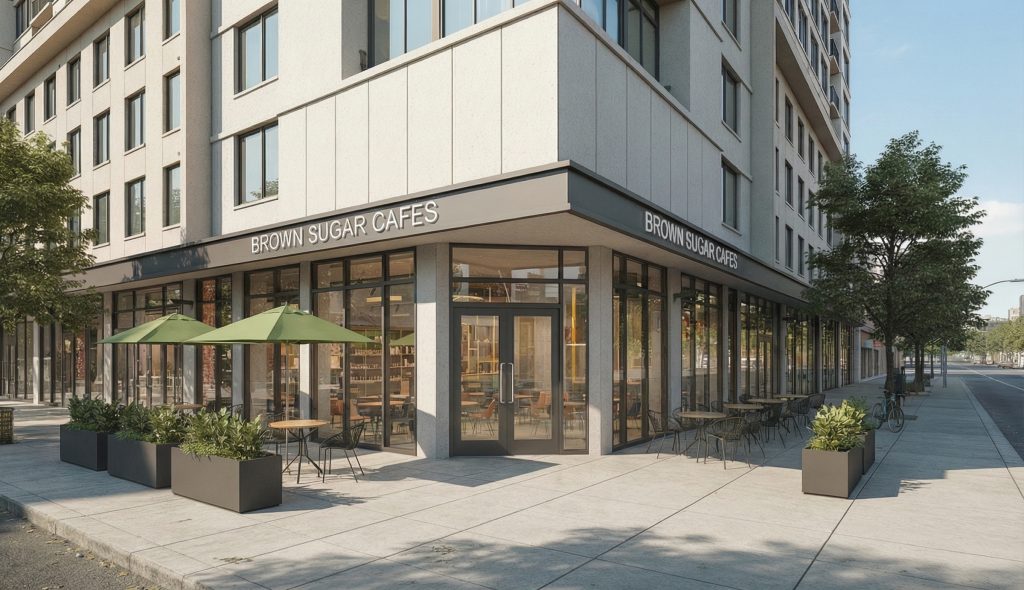
“Render this realistically in the style of the attached reference (attach style reference)”
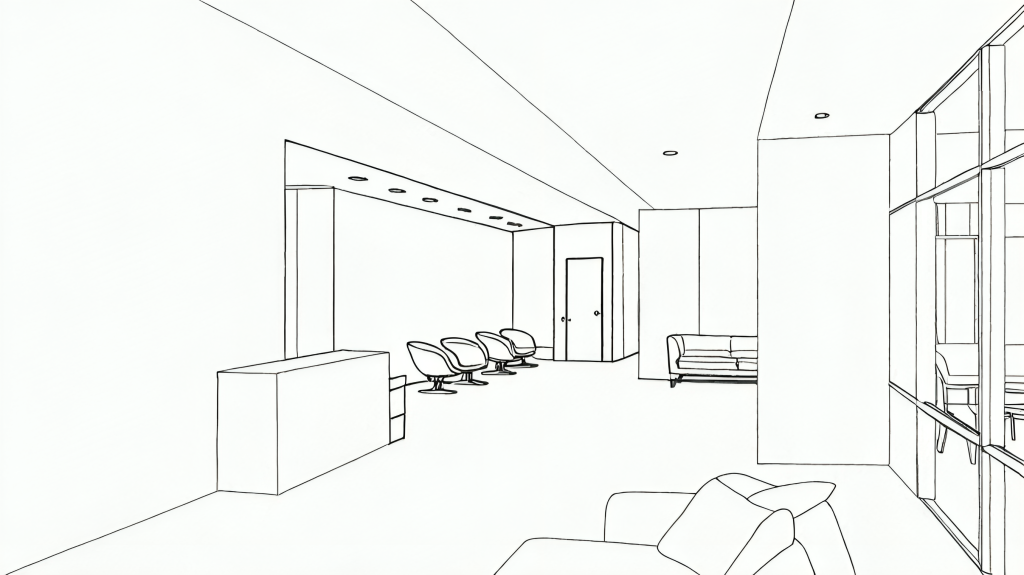
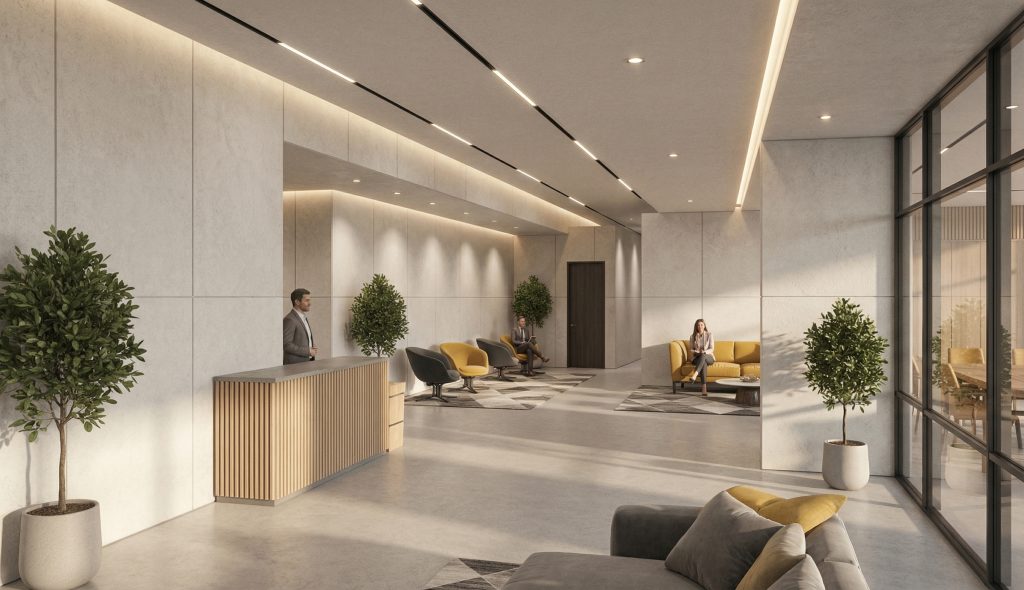
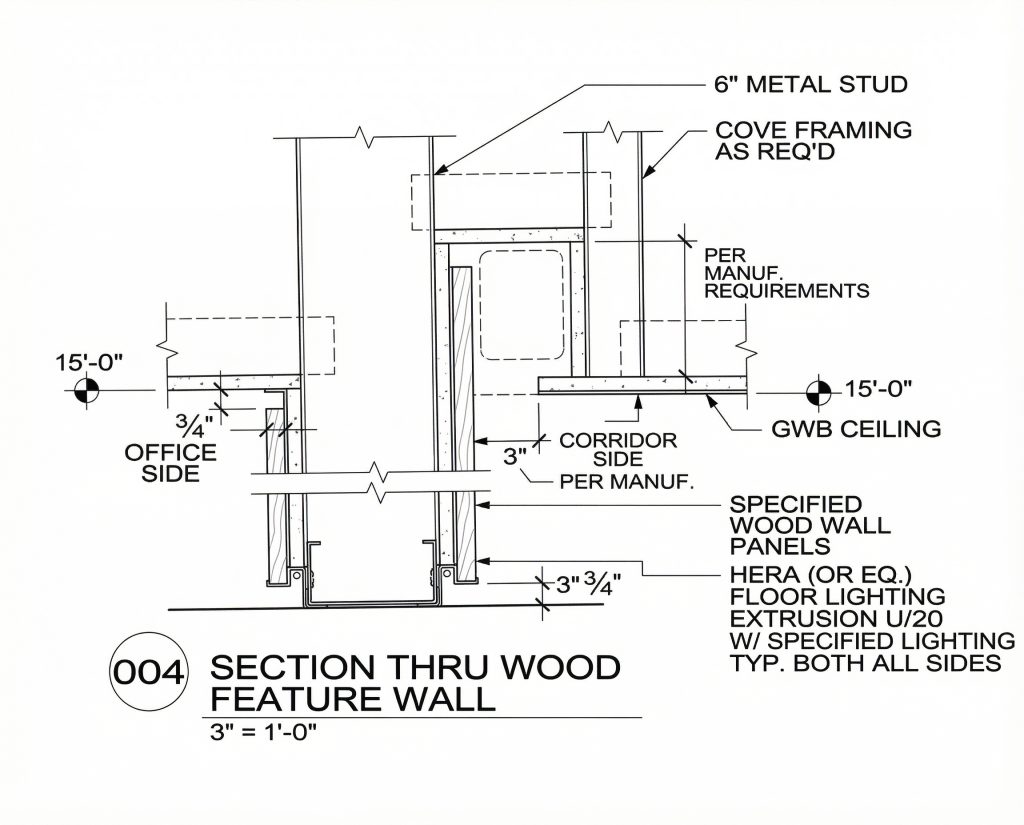
“Create a technical drawing of this detail”